Work-hours tracking in one message
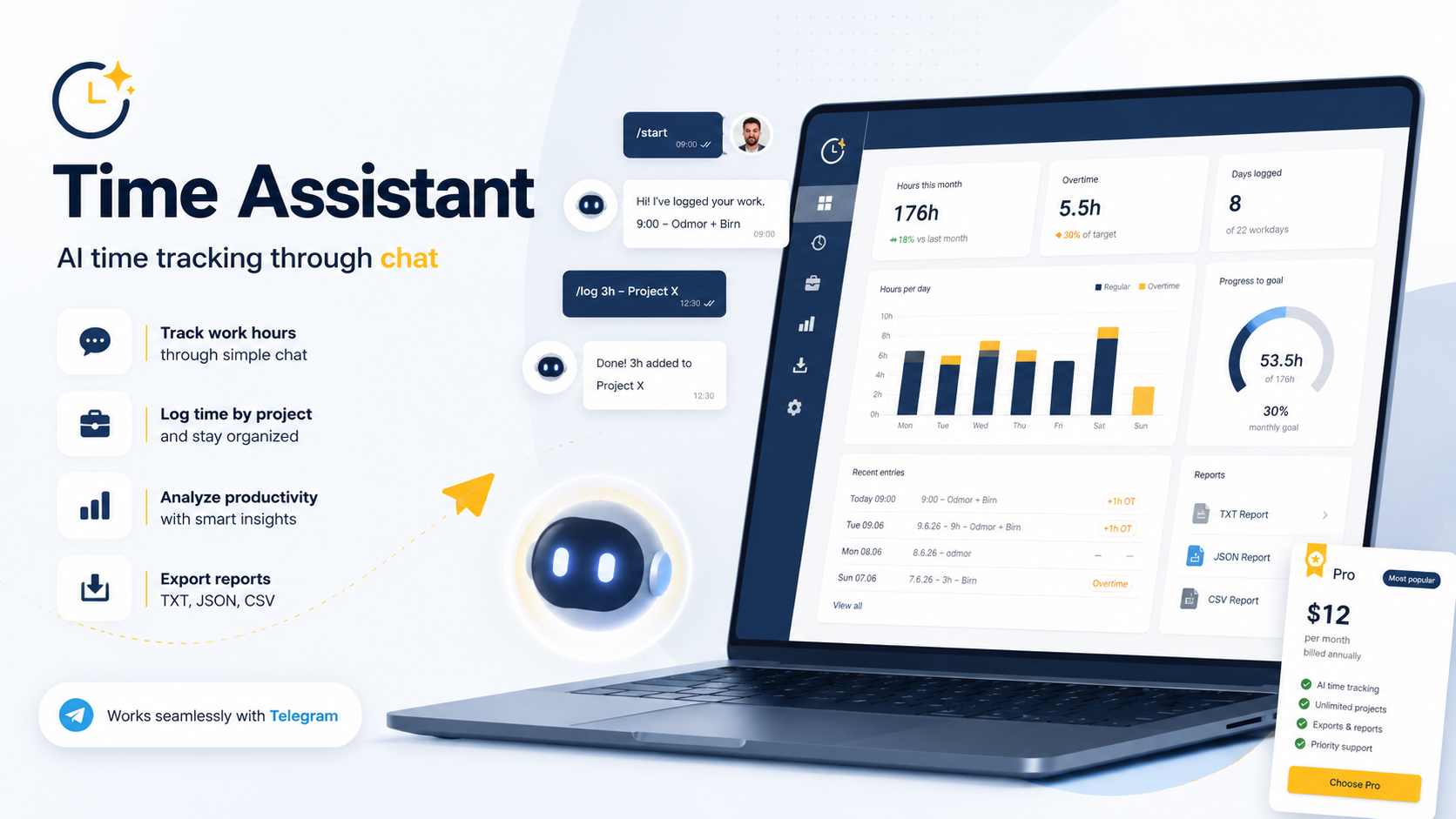
You type “8h ProjectA” in Telegram - the AI understands it and keeps the record. No spreadsheets, no app to learn. Overview, monthly reports and export whenever you need them.
Free to start • 15 days of Pro free, no card • Export to TXT, CSV and Google Drive
How it works
Three steps. Your first entry takes ten seconds.
Write like you talk
Send 8h ProjectA or 4h ProjectA 4h ProjectB in Telegram. Time off works too: vacation.
AI understands, you confirm
The bot recognises hours, projects and overtime, then shows them for confirmation before saving.
Report when you need it
Monthly overview and export to TXT/CSV or straight to Google Drive - always tidy.
Why Time Assistant
Faster than a notebook, tidier than a spreadsheet.
Free-text entry
No forms, no dropdowns. You write normally, the AI parses hours and projects.
Understands context
Overtime, weekends, vacation, sick leave and holidays - all recorded correctly, automatically.
Export & Google Drive
Monthly report as TXT and CSV, or automatic writing into your Google Drive folder.
Reminders
A gentle nudge at the end of the day so no entry is forgotten. Time is configurable.
Clockify integration (Pro)
Entries go straight into Clockify. Send a single day, the whole month at once, or pick exactly which day - automatically on every entry or on click.
Pricing
Start free. Pro unlocks the AI parser and higher limits.
- Everything in Free
- Natural-language AI parser
- Clockify integration - push any day, all at once, or pick a day
- Higher monthly limits
- Priority support
Frequently asked questions
Do I need to install an app?
No. Everything runs through Telegram, which you already have. The web app is there for overview and reports.
What does an entry look like?
You write e.g. 8h ProjectA, 4h ProjectA 4h ProjectB or vacation. The bot shows it for confirmation before saving.
Can I export my data?
Yes - a monthly report as TXT and CSV, or automatic writing into your Google Drive folder.
Can I connect Clockify?
Yes, on Pro. Entries can sync automatically to Clockify, and you can also send just one day or the whole month at once - you choose exactly what to sync. You can do it all from Telegram too.
Do I need a card for the trial?
No. After signing up you activate 15 days of Pro with one click in the app - no card.
Ready for tidier time tracking?
Create an account and log your first day in ten seconds.
Make a free account